Linking Credit/Debit Notes to Invoices
Written By Team Flobiz
Last updated Over 1 year ago
Overview:
Learn how to automatically link credit and debit notes to their respective invoices for faster, error-free entries.
Prerequisites:
Invoice must not be fully credited/debited.
Feature available on latest Web and Android versions.
Step-by-Step Instructions:
Navigate to the relevant sales/purchase invoice
Click “Issue Credit Note”
Select the party involved.
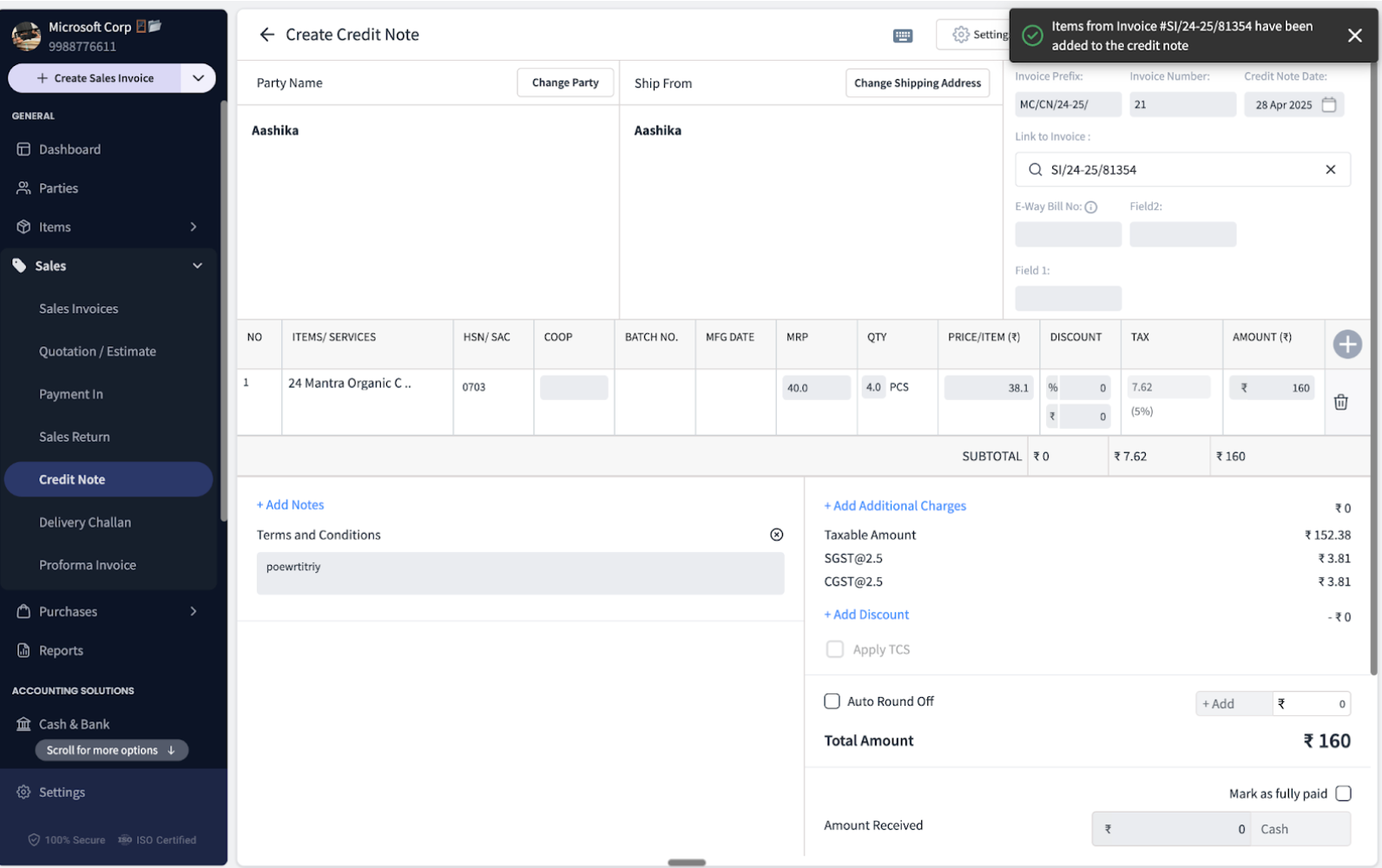
Navigate to the “Link to Invoice” section and choose the appropriate invoice.
Adjust quantities if it’s a partial return.
Save the note.
Linking invoice to a credit note
Was this helpful?
Still need help? Share an idea