How to Record Your Daily Sales seamlessly on myBillBook?
Written By Team Flobiz
Last updated About 1 year ago
Feature Overview
Recording your daily sales with myBillBook helps you track income, payments, and profits in real time. It lets you see which products sell faster, manage pricing, and make smarter business decisions — all while keeping your financials up to date.
Step-by-step Instructions
How to Record a Sale (Sales Invoice):
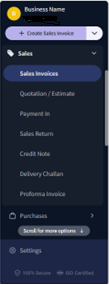
Open the myBillBook App
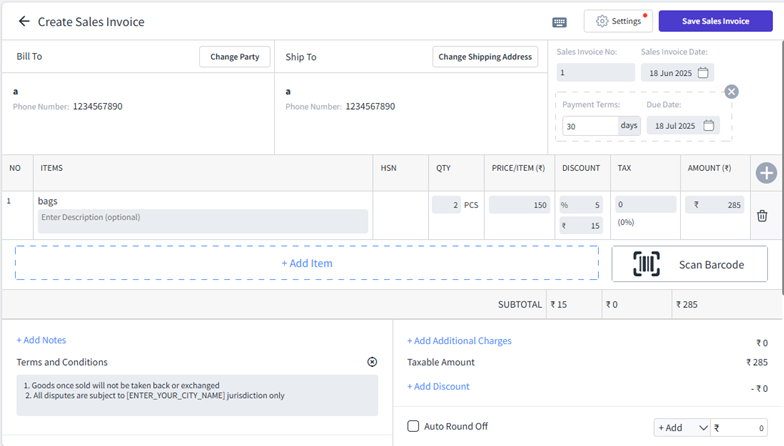
Tap on “Create Invoice” or “Sales” from the dashboard.
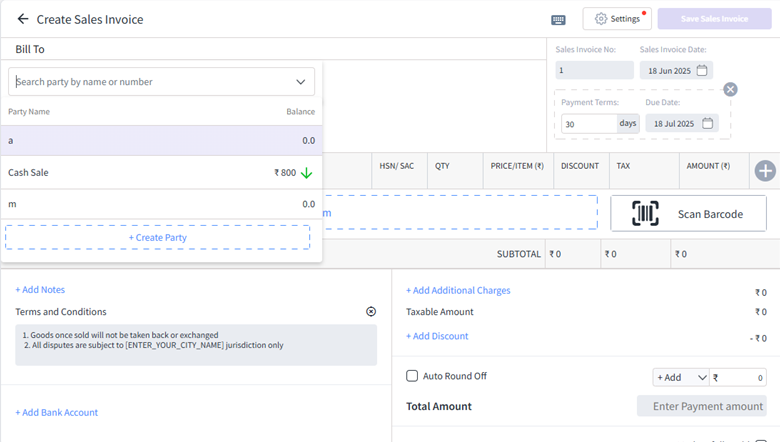
Select/Add Party
Choose an existing or add a new one.
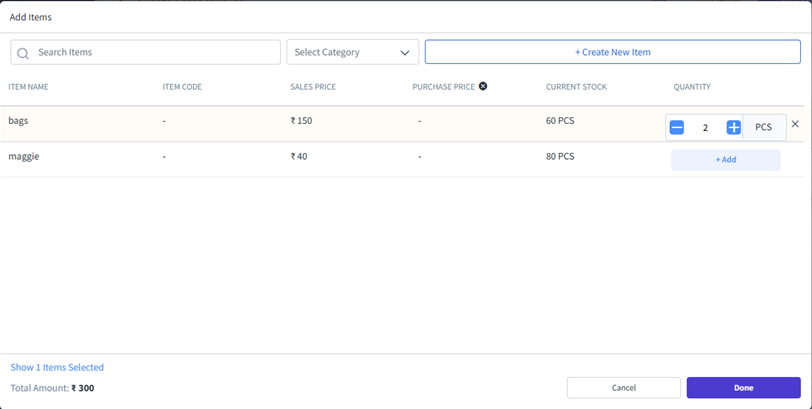
Add Products/Services
Search or select products from your list.
Enter quantity and rate (auto-filled if pre-set).
Tax will auto-apply if GST is enabled.
Add Discount (if any)
Apply a flat or percentage discount.
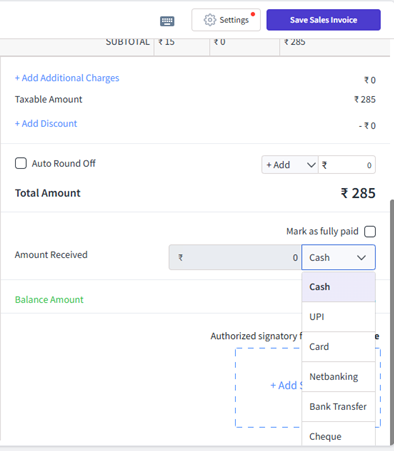
Select Payment Mode
Choose between Cash, UPI, Bank Transfer, or Mark as Credit (Udhaar).
Generate Invoice
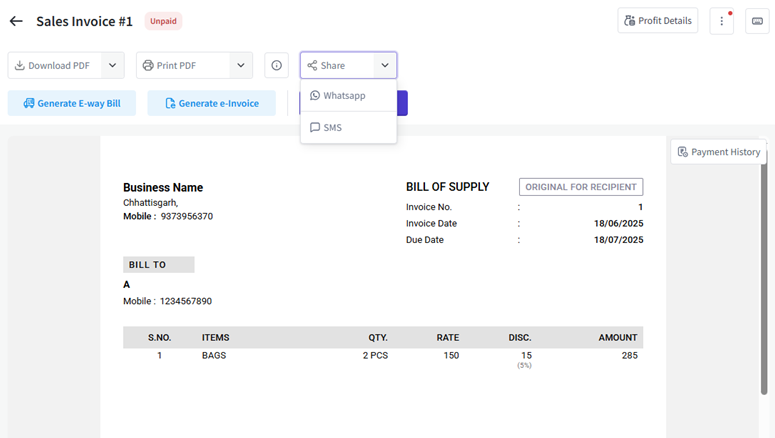
Tap “Save and Share” to print or send via WhatsApp, SMS, or email.